To open the Macros Editor, select Macros Editor from the Macros menu of the main window.
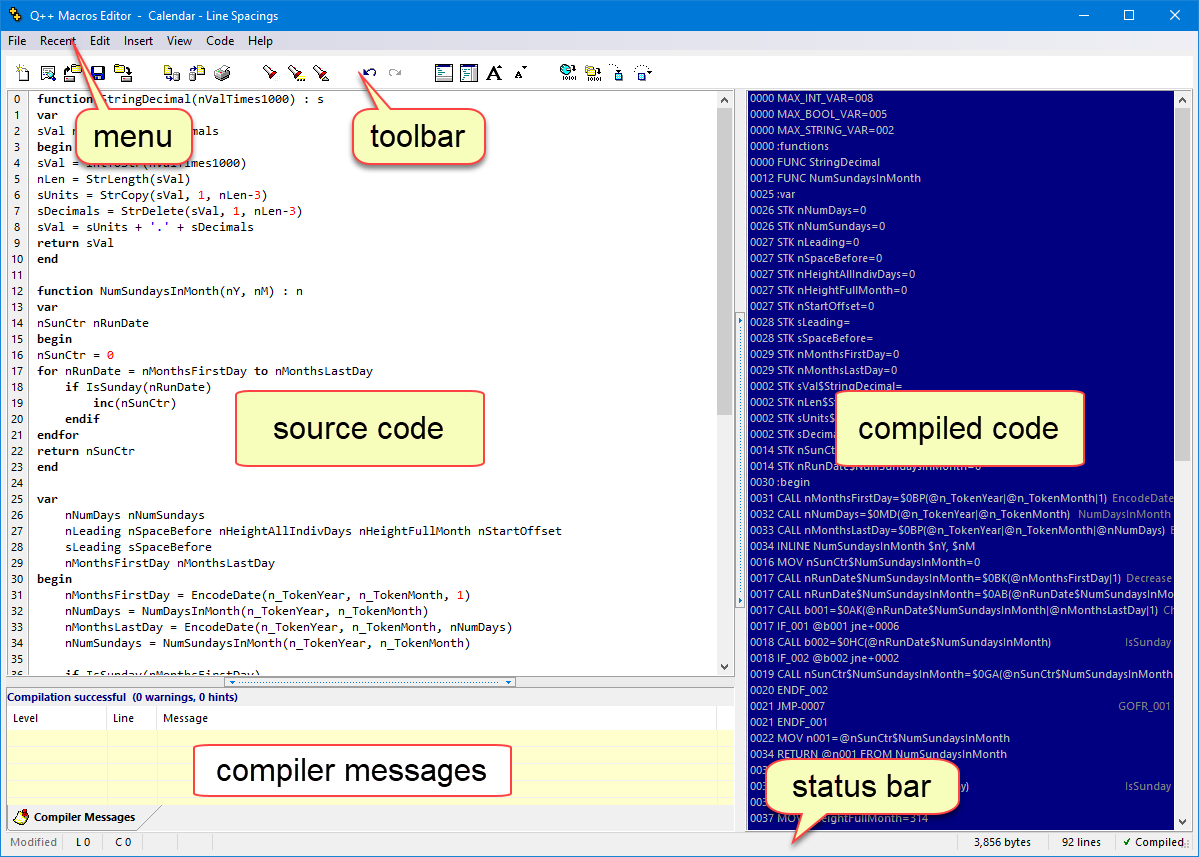
It is made up of the following parts :
•macros menus and toolbar.
See also: relating source and compiled code, the macro language, macro compiler messages and the macros debugger.
Topic 108222, last updated on 16-Sep-2026