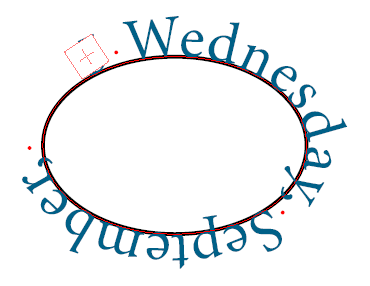
This message will refer to the box containing the overflowing type-on-path. For example:
Text overflow in TextOnPath in box 9 of page 1
You can then refer to the templates manager to see the details of the parent box in which the current overflowing box is located.
Note that overflow is sometimes caused by the last end-of-line character. You can check that the present text overflow message is correct, using the InDesign preflight panel.
Topic 188905, last updated on 25-Feb-2026